Every growing company reaches the same presentation problem.
Sales has one deck. Marketing has another. Leadership uses an older version. Product has edited the slides again. Fonts change. Colours shift. Layouts stop matching.
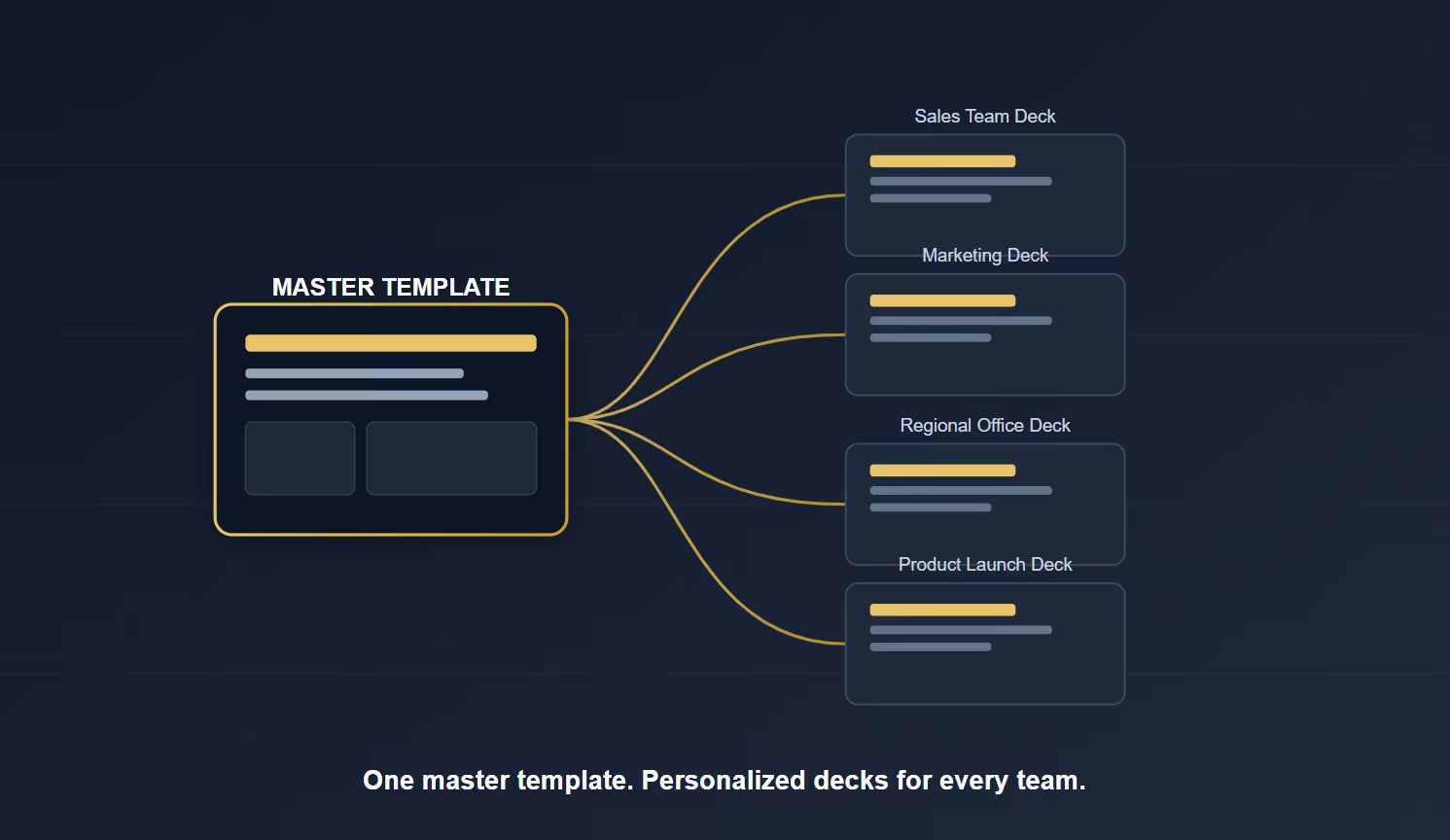
The company still has one brand, but the presentations no longer look like one brand.
That is where a master template becomes essential.
A master template is not just a branded slide deck. It is a presentation system that helps the entire team create consistent, professional, and easy to edit presentations.
The goal is simple:
Save time
Stay on brand
Improve presentation quality
Make every deck feel connected
Why Teams Need a Master Template
Most presentation inconsistency happens slowly.
Someone copies an old deck. Someone else adds new slides. Another person changes the colours to make something “stand out.” Before long, the team has multiple versions of the same brand.
A strong presentation master template solves this by giving everyone one clear foundation.
It helps the team know:
Which fonts to use
Which colours are approved
How charts should look
Where titles should sit
How to structure key slides
How to stay consistent without needing a designer every time
This matters because presentations are not only made by designers.
They are made by sales teams, founders, marketers, product teams, finance teams, and leadership.
A master template gives all of them a system they can actually use.
What a Master Template Actually Is
A master template is the core structure behind your company presentations.
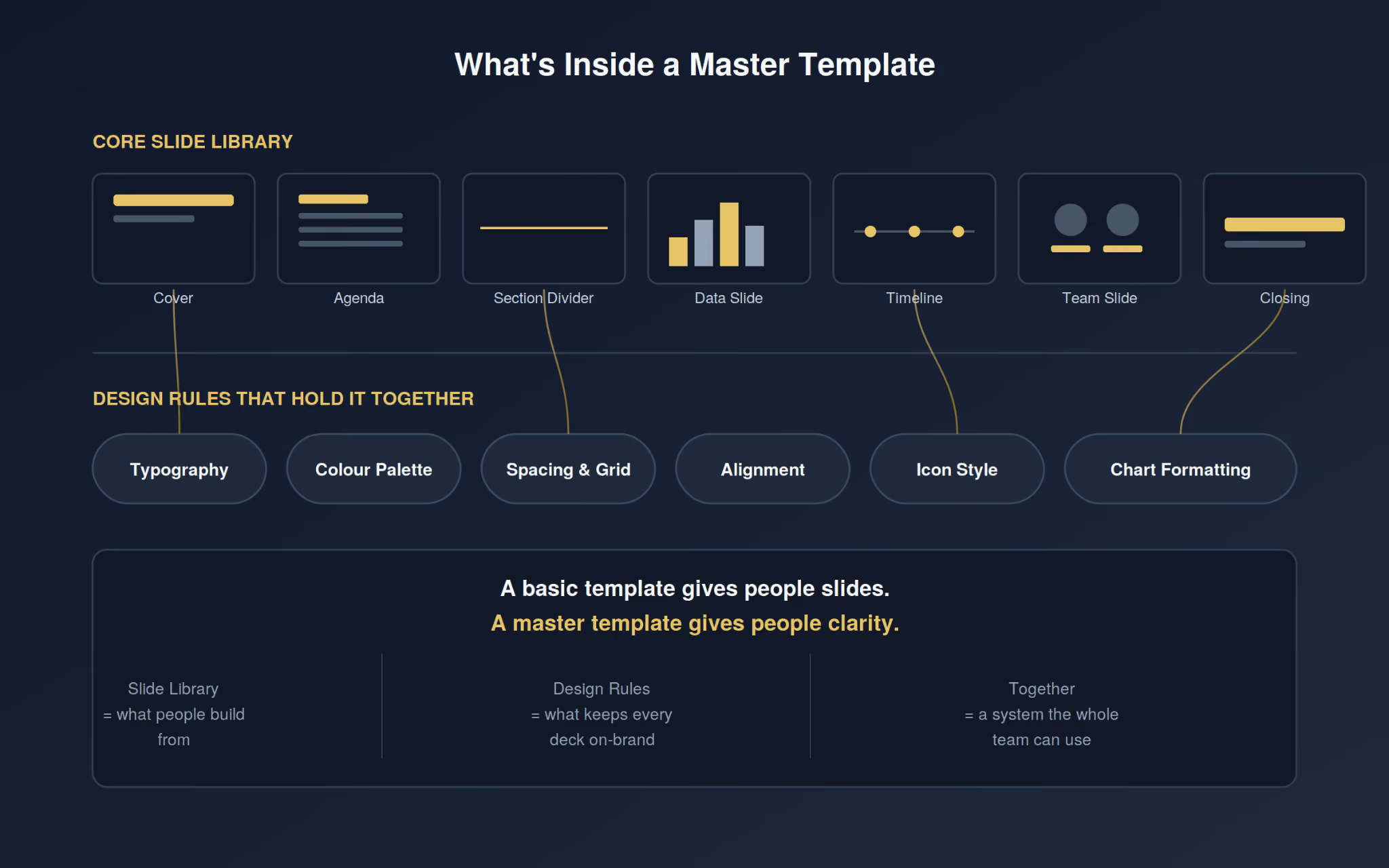
It usually includes:
Cover slides
Agenda slides
Section dividers
Text layouts
Image layouts
Data slides
Timeline slides
Team slides
Product slides
Closing slides
But a good company presentation template is more than layouts. It also includes rules.
These rules guide:
Typography
Colour usage
Spacing
Alignment
Icon style
Image treatment
Chart formatting
That is what turns a template into a real system.
A basic template gives people slides. A master template gives people clarity.
The message changes, but the brand should stay consistent. That is why a strong team presentation system needs flexibility.
It should include slide types for:
Sales decks
Pitch decks
Investor updates
Board presentations
Product demos
Internal presentations
The best master templates are not restrictive. They give the team enough freedom to adapt the content, while keeping the design consistent.
That balance is what makes the system useful.
The Personalised Process
A master template should never feel generic.
The mistake many teams make is downloading a nice-looking template and forcing the brand into it. A better approach is to build the template around how the team actually communicates.
Start with a simple audit. Review existing decks and ask:
Which slides are used most often?
Where does the design break?
What takes too long to create?
What does the team keep rebuilding?
Which slides feel off-brand?
Then define the presentation style.
Should the deck feel:
Minimal and premium?
Bold and energetic?
Technical and precise?
Warm and human?
Investor-focused and sharp?
Once the direction is clear, build the core slide library. Focus on the slides the team really needs:
Title slide
Section divider
Problem slide
Solution slide
Product overview
Data slide
Timeline
Comparison slide
Team slide
Closing slide
The goal is not to create endless layouts.
The goal is to create the right layouts.
Make It Easy for the Team to Use
A master template only works if people use it. That means the system needs to be simple, clear, and easy to access.
Create one official place for the latest version, such as:
Google Drive
SharePoint
Notion
A brand portal
A shared company folder
Then add simple guidance inside the template.
For example:
“Use this slide for three key benefits.”
“Keep the headline short.”
“Use one main idea per slide.”
“Replace this image with a product screenshot.”
“Use this layout for traction or key metrics.”
Small instructions make a big difference.
They help non-designers create better slides without guessing.
A short team walkthrough also helps. Show people where the template lives, how it is structured, and what not to change.
The easier it feels, the more likely the team will use it.
When to Start with a Professional Template
Not every team needs to start from zero.
Sometimes the fastest way to build a strong master system is to begin with a professional pitch deck template or business presentation template, then personalise it for your brand.
This is useful when you need:
A strong starting structure
Investor-ready slide flow
Professional visual hierarchy
Editable layouts
A faster way to build decks
A system your team can customise
The Pitch Deck Studios templates are built around proven storytelling frameworks, strategic sequencing, and customisable layouts. They give teams a strong foundation instead of starting from a blank page.
A template is not the final answer.
But the right template can become the beginning of a stronger presentation system.
Conclusion: Consistency at Scale
A master template is more than a design file. It is a system for how your team communicates.
It helps every department create presentations that are:
Faster to build
Easier to edit
More consistent
More professional
More aligned with the brand
Because every presentation says something about your business.
A strong master template makes sure it says the right thing.
Pitch Deck Studios can help you build the master slides template for your company based on your branding, which can be used by marketing, sales, fundraising, or any team, any time you need it. You will always have an easy start and it will all be consistent.
Pitch Deck Studios vs. AI: What $1.6B in Raised Capital Taught Us
After reviewing thousands of investor decks and watching clients raise more than $1.6B, we've learned the decks that win aren't the prettiest ones. Here's what AI can and can't do about that.
Real Estate Pitch Deck
Investor Pitch Deck
July 23, 2026
Real Estate Documents: What They Are
Real estate documents do more than close deals, they set the first impression. See what they include, why they matter, and how stronger design helps you sell the vision, not just the property.
Investor Pitch Deck
Startup Pitch Deck
AI Pitch Decks Are Everywhere. But Investors Still Want Human Judgment.
AI can generate a polished pitch deck in minutes, but investors are judging the strategic thinking behind it, not just the slides. Here's why human judgment remains the real differentiator in fundraising.
Contact us
Thank you! Your submission has been received!
Oops! Something went wrong while submitting the form.
.avif)
.svg)

.svg)



.avif)



.svg)
