A pitch is no longer just a static deck. Today, founders, startups, sales teams, and executives have more ways to communicate their ideas, and two of the most effective formats are the animated presentation and the video pitch.
They may look similar because both use motion, visuals, and storytelling. But they serve different purposes. An animated presentation is built to support a live presenter, while a video pitch is built to explain the idea on its own.
Understanding the difference matters because the right format can improve attention, clarity, and conversion.
What Is an Animated Presentation?
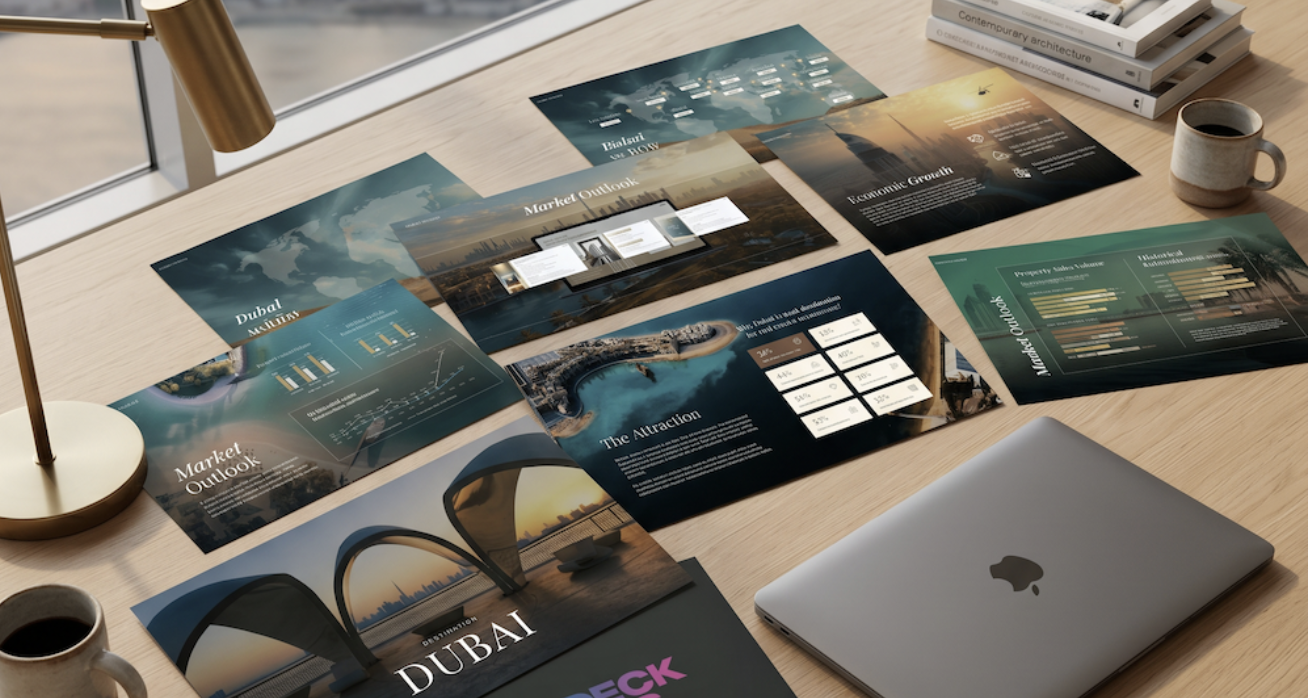
An animated presentation is a slide deck enhanced with motion, transitions, animated charts, reveals, and visual effects. It is still a presentation: the speaker controls the pace, explains the story, and responds to the audience. The animation is there to support the message, not replace the presenter.
Animated presentations work well for:
- Investor pitch decks
- Startup fundraising presentations
- Sales presentations
- Product demos
- Board meetings
- Demo day decks
- Conference presentations
A strong animated pitch deck helps reveal information step by step. Instead of showing everything at once, motion guides the audience through the story, making complex ideas easier to follow and keeping attention where it matters.
What Is a Video Pitch?
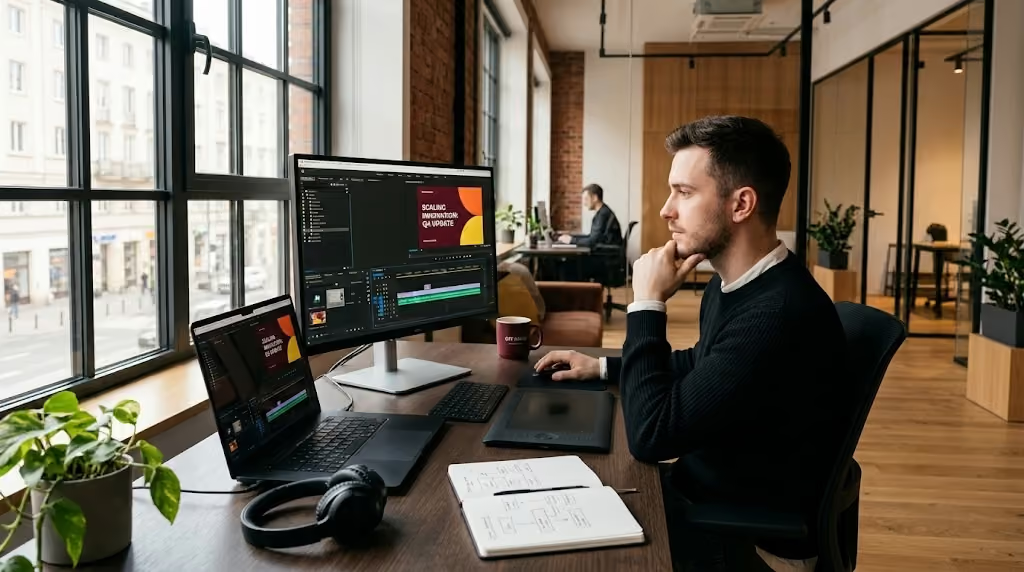
A video pitch is a finished video that explains your business, product, service, or opportunity without needing a live presenter. It may include voiceover, music, motion graphics, subtitles, founder narration, product footage, or animated slides. The goal is simple: make the pitch work when you are not in the room.
Video pitches are useful for:
- Investor outreach
- Startup fundraising campaigns
- Website landing pages
- Crowdfunding campaigns
- Product launch videos
- Email marketing
- Accelerator applications
- Social media content
A video pitch is especially powerful when your audience is busy, remote, or reviewing your company before deciding to book a meeting. It gives your idea a polished first impression.
Animated Presentation vs Video Pitch: The Main Difference
The biggest difference between an animated presentation vs video pitch is control.
With an animated presentation, the presenter controls the pace. With a video pitch, the video controls the pace. That changes everything.
An animated presentation allows you to pause, explain, skip, or answer questions; it supports conversation. A video pitch needs to be complete by itself and must explain the story clearly from beginning to end.
One is built for live delivery. The other is built for scalable communication.
When to Use an Animated Presentation
Choose an animated presentation when the pitch depends on live explanation. This is often the right format for investor meetings, sales calls, board presentations, and high-stakes conversations.
Use an animated presentation when:
- You are presenting live
- You need to control the conversation
- Your pitch includes complex data or charts
- You want to reveal information gradually
- You need flexibility during Q&A
- You want the deck to feel more professional and engaging
Animation can make a pitch feel sharper and more intentional, but it should always serve the message — too much movement can distract instead of clarify.
When to Use a Video Pitch
Choose a video pitch when your message needs to travel without you. It's ideal when you want to send your story by email, place it on a website, share it with investors, or use it in a marketing campaign.
Use a video pitch when:
- You need a shareable pitch asset
- You want investors to understand the idea before a meeting
- You are building a landing page
- You need a short product explainer
- You are creating content for social media
- You want consistent messaging at scale
A strong video pitch combines storytelling, design, motion, and pacing. It should feel clear, concise, and easy to understand.
Which One Is Better?
Neither format is automatically better — the right choice depends on the situation. An animated pitch deck is better for live presentations where the speaker guides the story. A video pitch is better for remote communication, outreach, websites, and moments when the viewer needs to understand the idea alone.
In many cases, the best solution is to use both. A complete pitch package can include:
- A static PDF pitch deck for sharing
- An animated presentation for live meetings
- A video pitch for outreach, websites, or follow-up
Each version has a different job. Together, they create a more complete and professional pitch experience.
Why the Difference Matters
The mistake many teams make is treating an animated presentation and a video pitch as the same asset. They are not.
A presentation can rely on the speaker. A video cannot. A video can use voiceover, music, and cinematic pacing, while a live presentation usually needs more flexibility.
If you simply export animated slides as a video, the result may feel incomplete. If you use a video as a live deck, it may feel too rigid. The strongest approach is to start with one clear story, then adapt it for each format.
Same message. Different execution.
Pitch Deck Studios Can Create Both
At Pitch Deck Studios, we can create both versions: a professional animated presentation and a polished video pitch. Whether you need an investor pitch deck, startup fundraising presentation, sales deck, product explainer video, or video pitch deck, we help turn your message into a clear and visually engaging experience.
We focus on:
- Storytelling
- Pitch copywriting
- Slide design
- Animation and motion graphics
- Video structure
- Visual consistency
- Investor-ready presentation design
The goal is not to add motion just because it looks good. The goal is to make your pitch easier to understand, easier to remember, and more persuasive.
The Bottom Line
The debate between animated presentation vs video pitch is not about choosing the better format. It is about choosing the right format for the moment.
An animated presentation helps you win the room. A video pitch helps your story travel beyond the room. One supports live delivery; the other creates scalable communication. And when used together, they can make your pitch stronger at every stage.
At Pitch Deck Studios, we can help you create both, so your message is ready whether you are presenting live, sending it to investors, launching a product, or sharing your story online.
.svg)

.svg)



.avif)



.svg)
